
Quick Start
This topic describes how to quickly create an app on the NEXhome Developer Platform.
Before you start
- Open NEXhome developer Platform。
- Go to the account registration page , and follow the guide to register a developer account.
- Complete the Real-Name Authentication And wait for approval.
Step 1: Create an app
Create an application on the developer platform.
- Sign in NEXhome developer Platform。
- On the homepage or through the left navigation bar, select the app and click Add App.
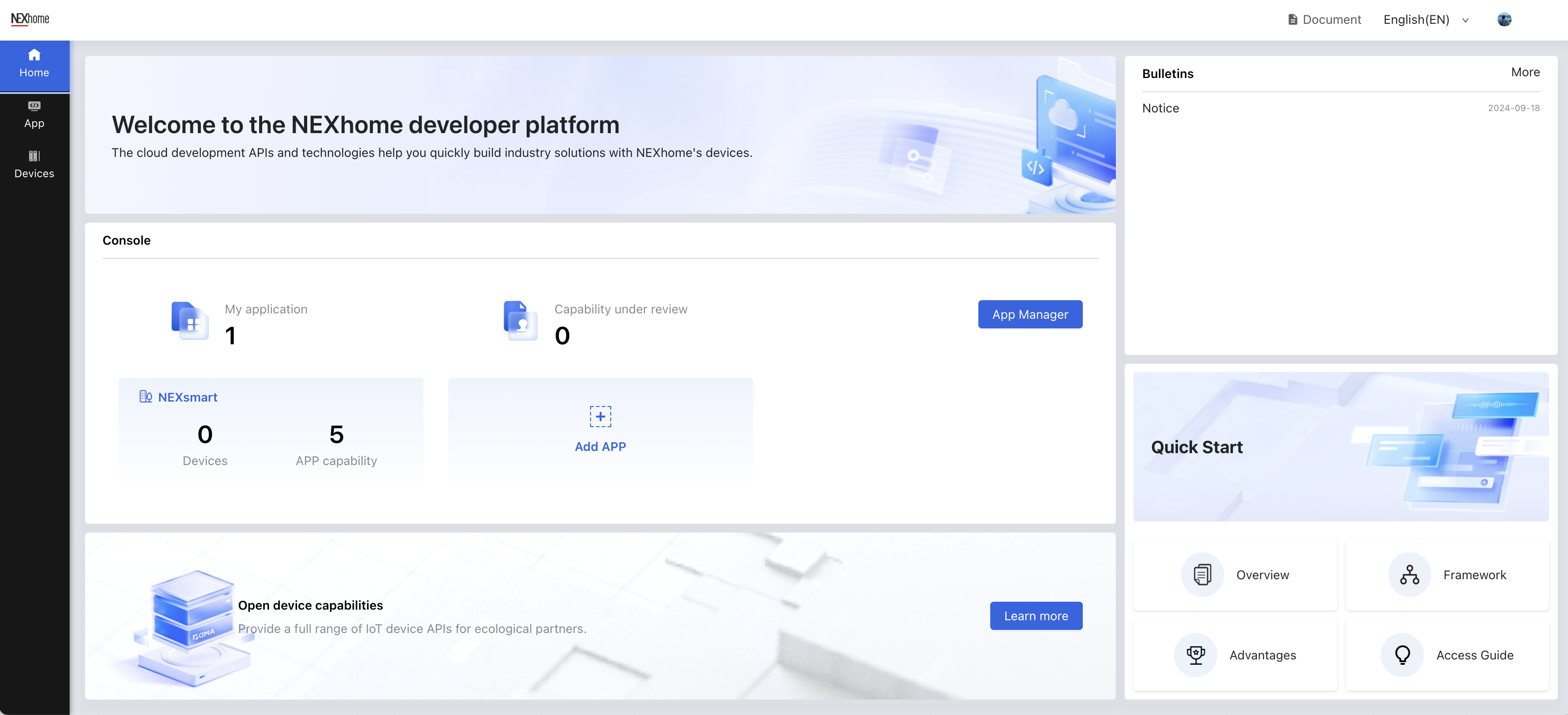
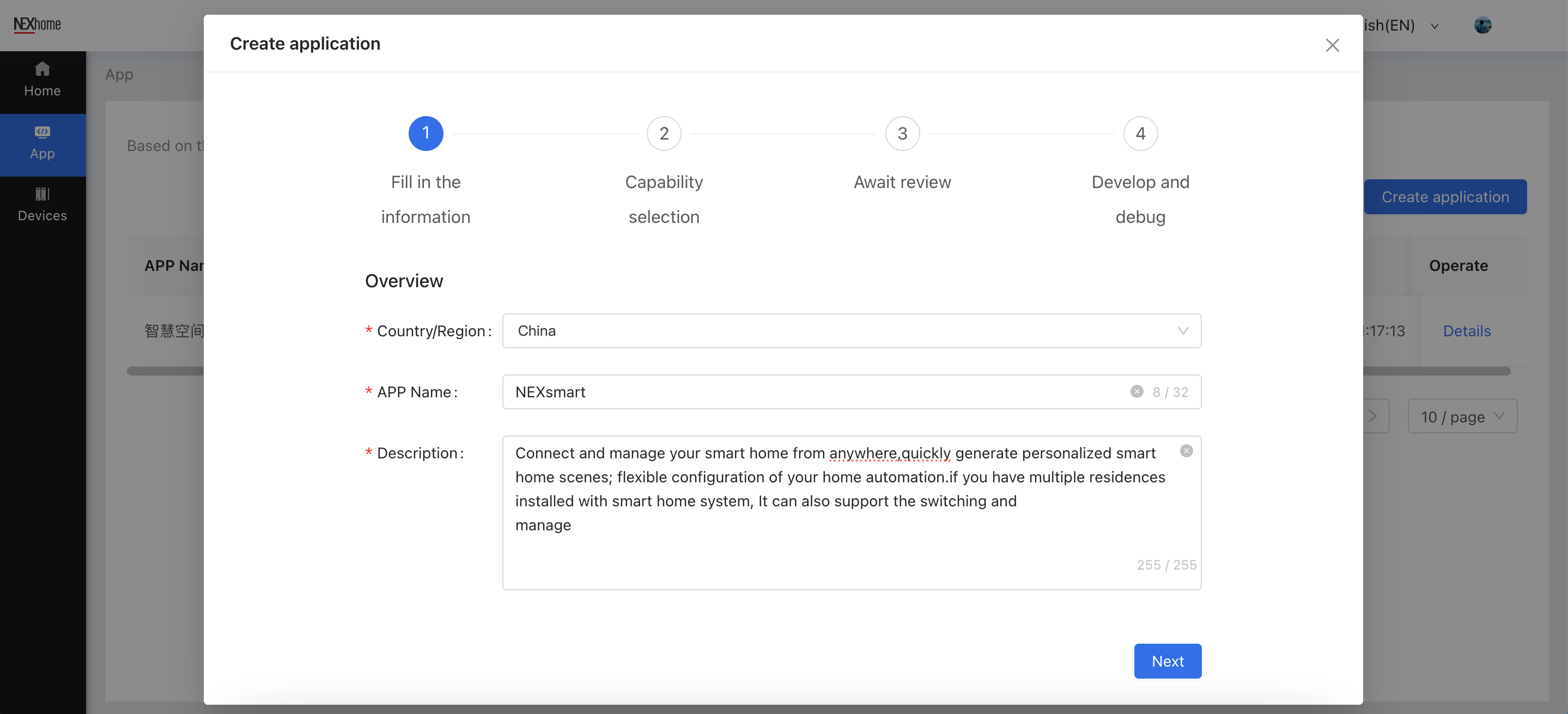
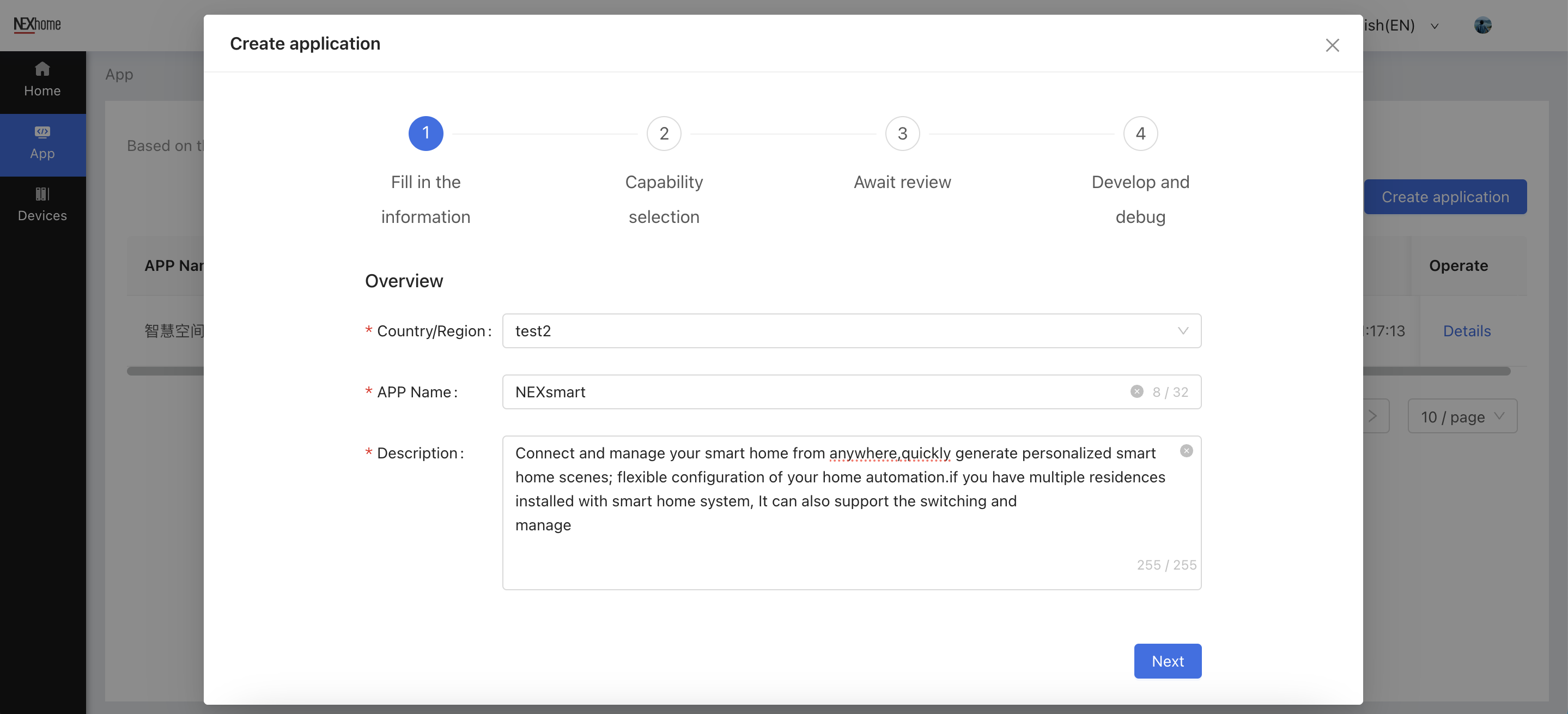
- Fill in the information according to the prompts, check the required application capabilities, and wait for approval.
Step 2: Add Device
You can add or import devices on your SaaS platform and associate them with specified applications.The support scope includes access control, indoor units, intercom equipment, etc.
You can add devices with the APP Authorization Key according to the API docs .
Step 3: Develop and debug
You can call the API according to the docs , and buid your APP.